

Premium
Lightroom presets
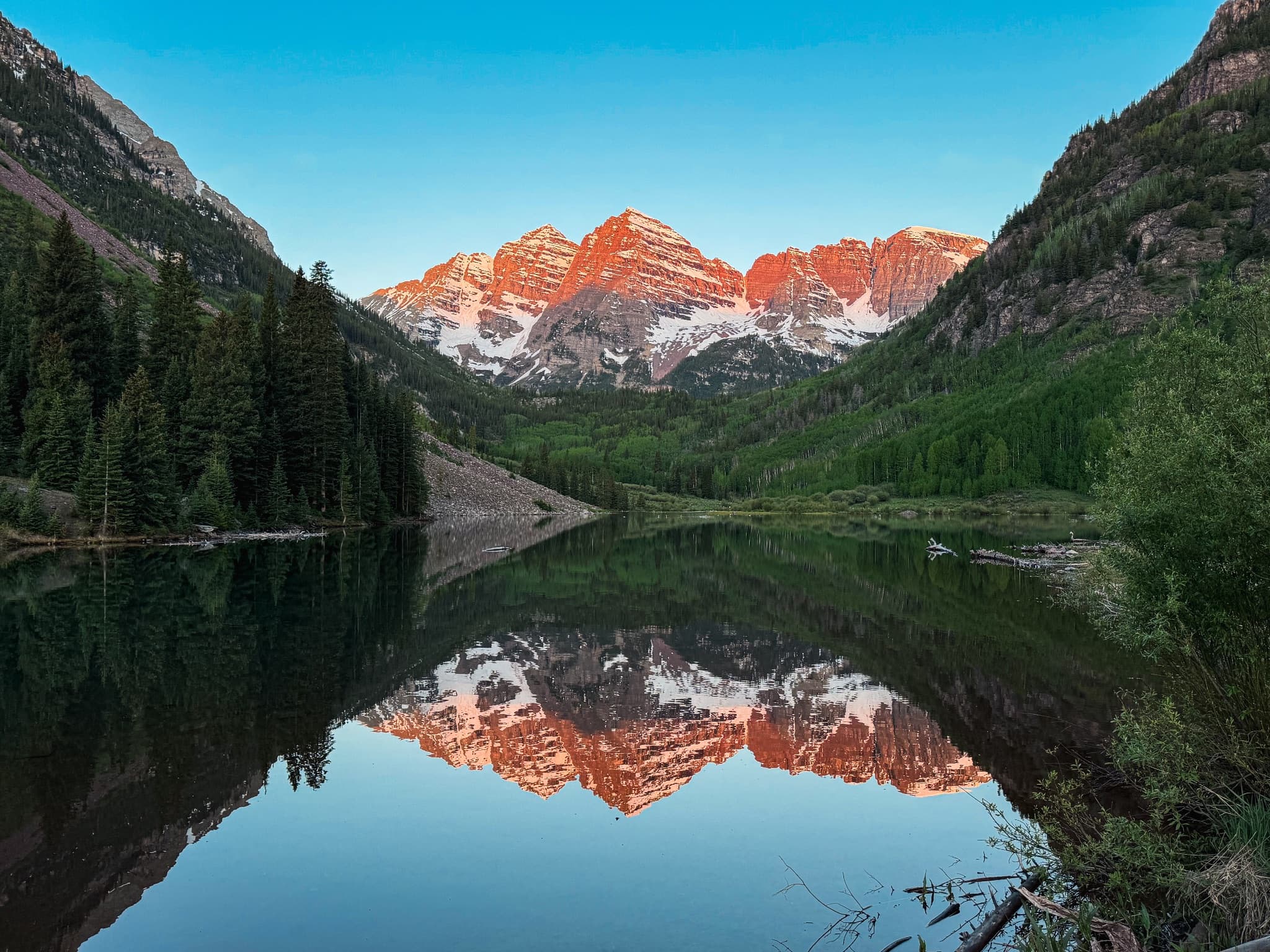
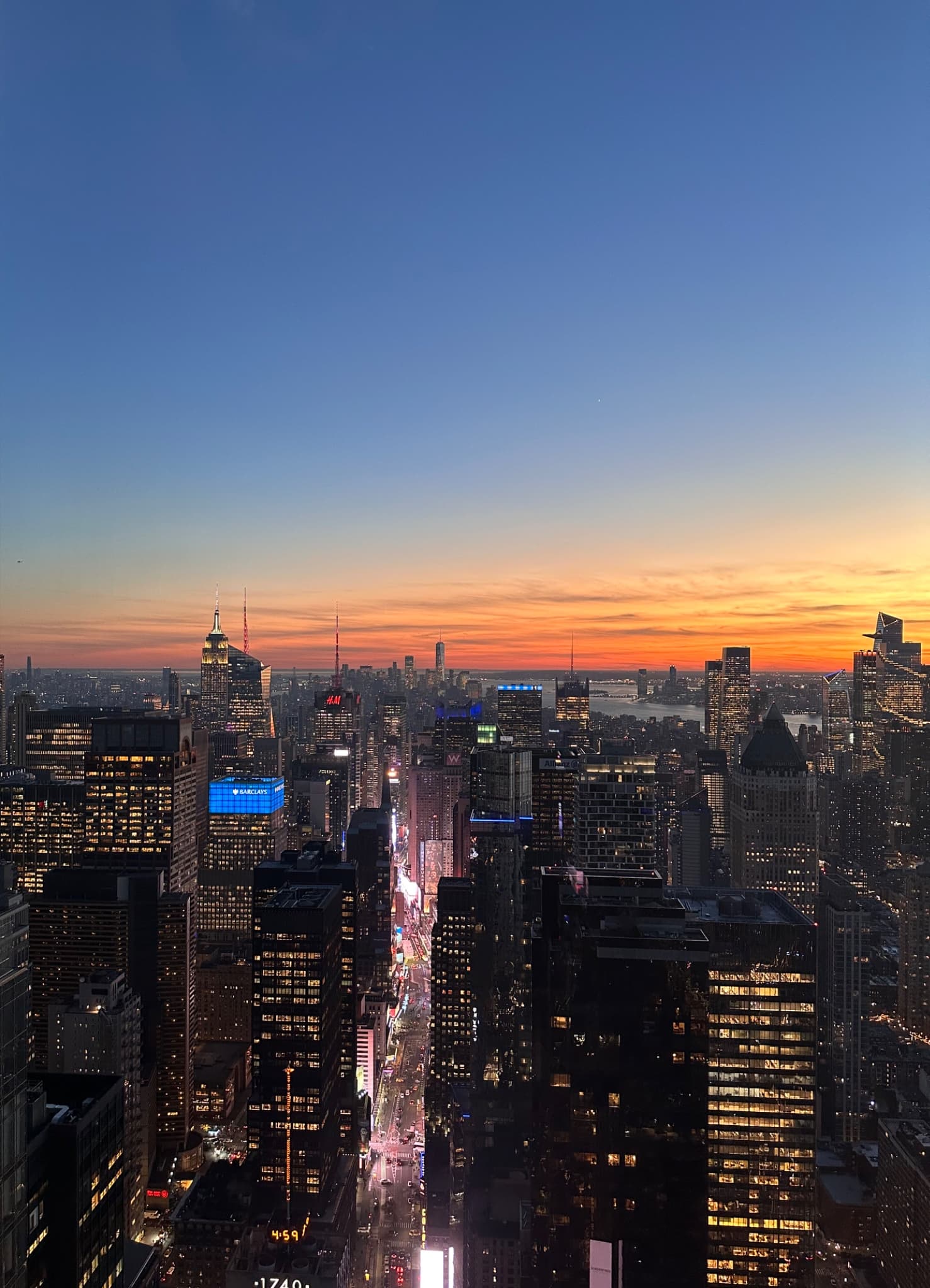
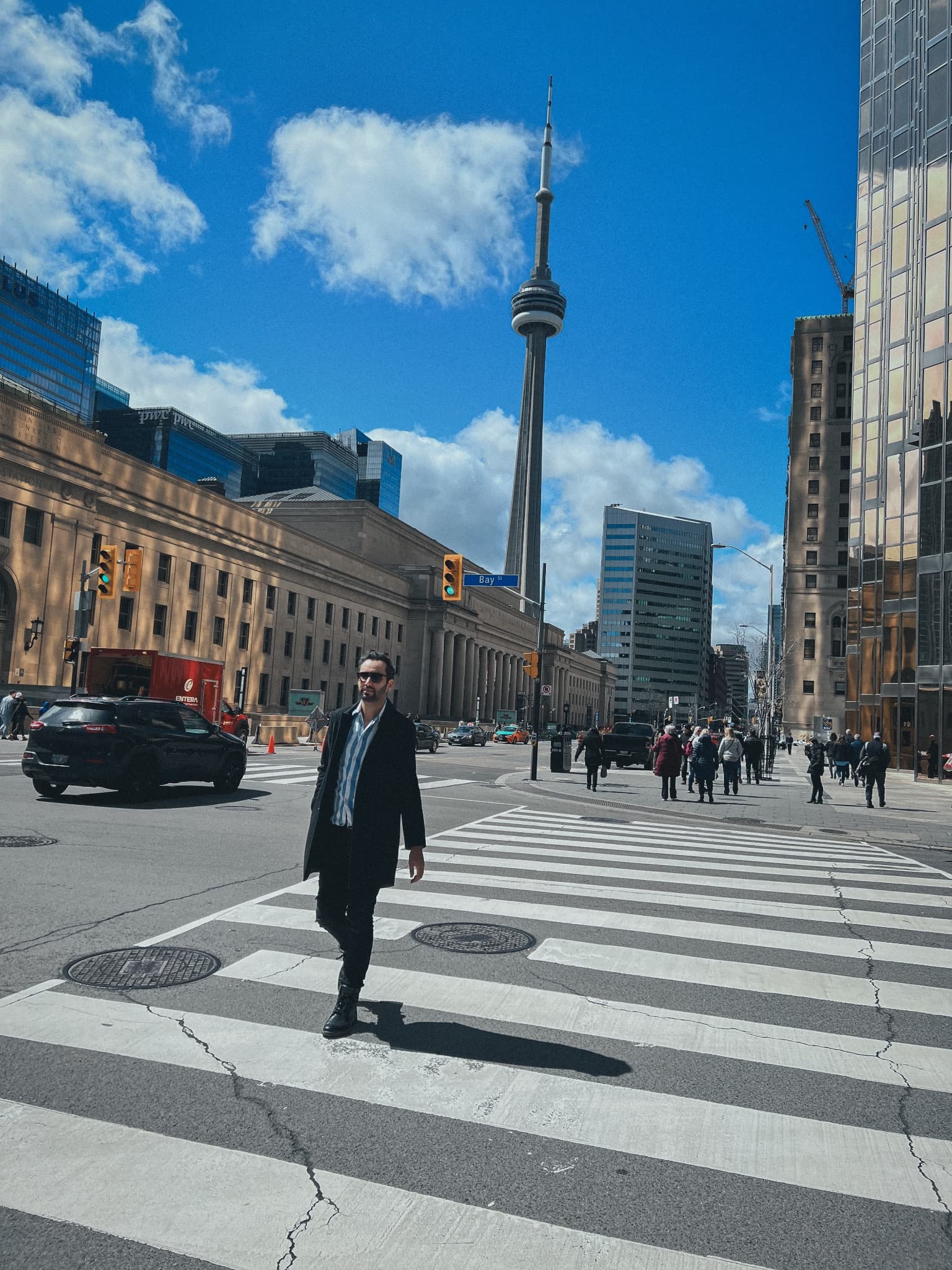
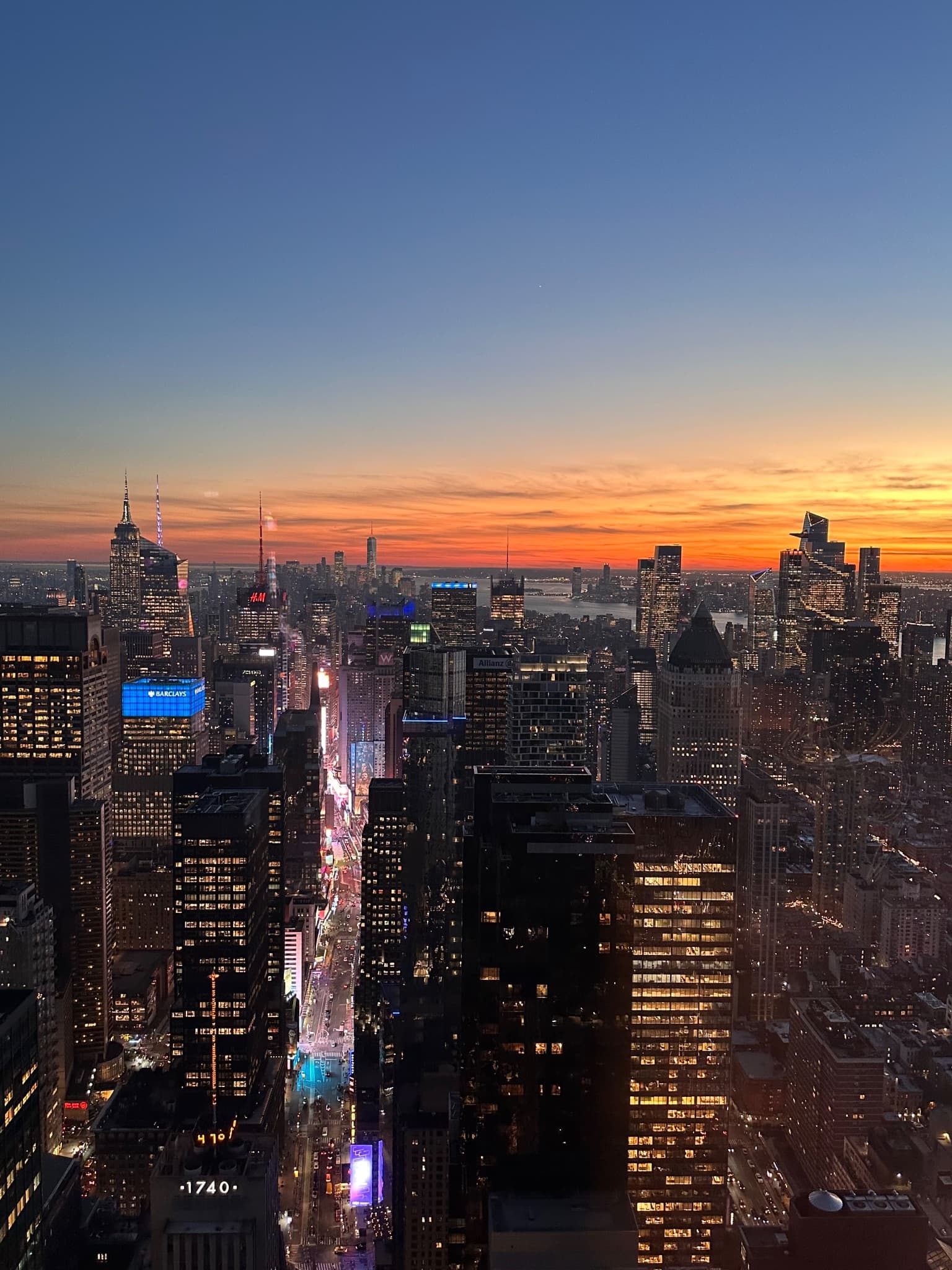
The presets I use on my own travel photos, in packs by place. Browse them free; Premium members download them.

How to use the presets
Every pack is a zip of .xmp presets plus my PDF guide. They work in Lightroom Classic, Lightroom (desktop and mobile), and Camera Raw.
Lightroom Classic (desktop)
- Unzip the download.
- In the Develop module, click + at the top of the Presets panel and choose Import Presets.
- Select the .xmp files. They appear in the Alex Journeys group.
Lightroom desktop and mobile
- On your computer, open a photo in Edit, click Presets, then the … menu, and choose Import Presets.
- Pick the zip or the .xmp files.
- Stay signed in to the same Adobe account and they sync to Lightroom mobile on their own.
Apply and adjust
- Click a preset to apply it, then set the Amount slider. I usually land between 60 and 85.
- Set exposure and white balance yourself afterwards. My presets leave them alone so they work with any camera and light.
- If skin looks too orange, lower Orange saturation a little in the Color Mixer.